


Pulsar Money invite: enter Y5ZWZ after creating your account
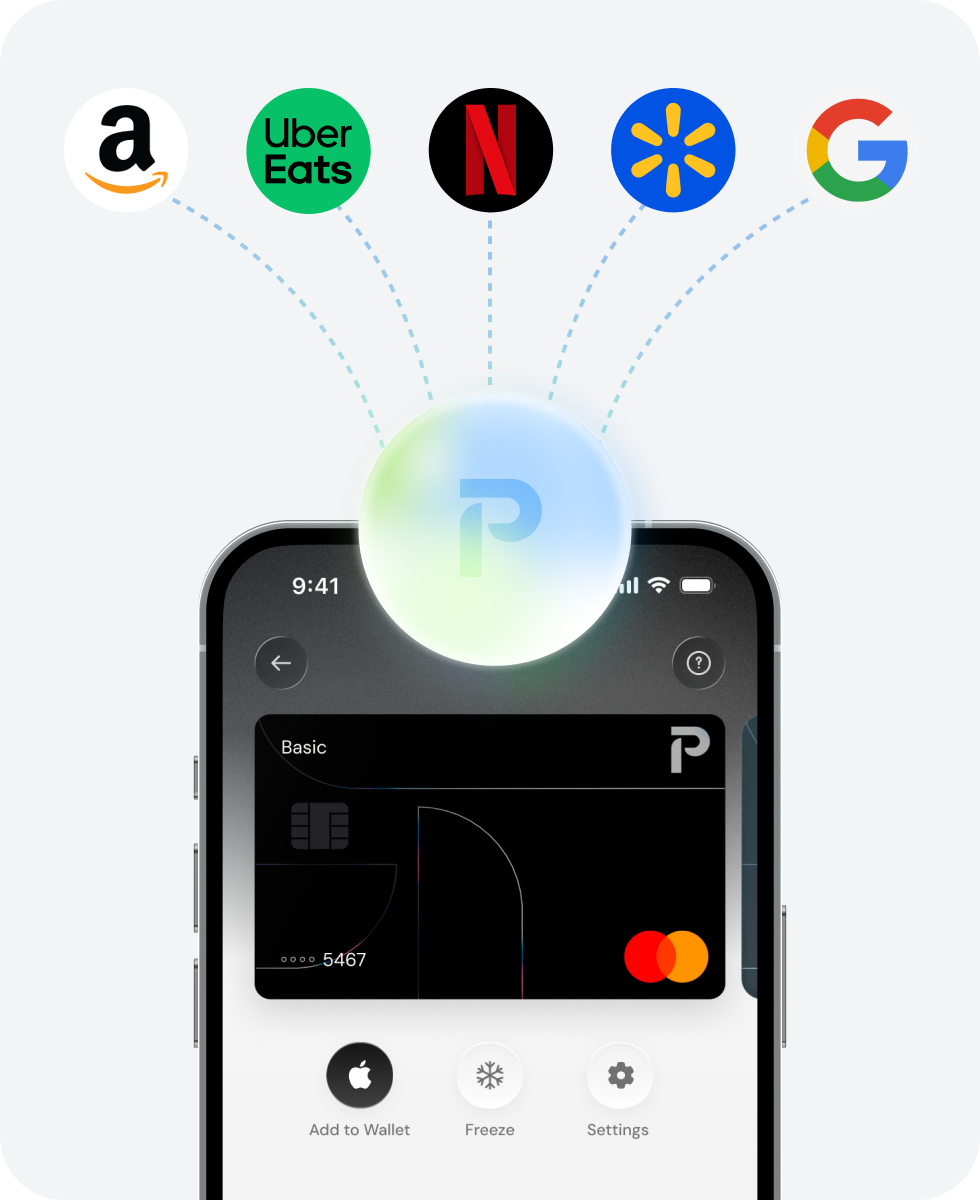
Download Pulsar, create your account, then enter our code Y5ZWZ under “Have an invite code?”. The invitation does not state a fixed new-user reward. Confirm any live campaign before spending or subscribing; Free and paid Pro earn different Points, and balances and card services have provider-specific terms.
Read our full assessment →Quick answer
Download Pulsar, create your account, then enter our code Y5ZWZ under “Have an invite code?”. The invitation does not state a fixed new-user reward. Confirm any live campaign before spending or subscribing; Free and paid Pro earn different Points, and balances and card services have provider-specific terms.
- Reward
- Varies
- Referral code
Y5ZWZ- Last verified
- 2026-10-14
- Difficulty
- Easy
- Time to claim
- A few minutes for registration and code entry; service verification varies
- Time to payout
- No fixed invitee reward or payout verified; any campaign terms must appear in the app
Where you can sign up
United StatesNot available
Accepted countries (72)
Andorra, Argentina, Australia, Austria, Azerbaijan, Bahrain, Belgium, Brazil, Bulgaria, Chile, Colombia, Croatia, Cyprus, Czechia, Denmark, Ecuador, El Salvador, Estonia, Finland, France, Georgia, Germany, Ghana, Gibraltar, Greece, Guernsey, Hong Kong, Hungary, Iceland, Ireland, Isle of Man, Italy, Japan, Jersey, Kazakhstan, Kenya, Latvia, Liechtenstein, Lithuania, Luxembourg, Macao, Malaysia, Malta, Mexico, Moldova, Monaco, Montenegro, Netherlands, New Zealand, Nigeria, Norway, Panama, Peru, Philippines, Poland, Portugal, Romania, Serbia, Slovakia, Slovenia, South Africa, South Korea, Spain, Sweden, Switzerland, Taiwan, Thailand, Uganda, Ukraine, United Arab Emirates, United Kingdom, Uzbekistan
This is Pulsar's card list (US residents are not on it); USD and EUR account details have their own, separate country lists.
Y5ZWZReferral links: BitBoni may earn a commission when you sign up.
How to claim
- Open our official Pulsar download route and install the app for your device.
- Create your account. Confirm your country and the features you need are supported before funding.
- Scroll to “Have an invite code?”, tap “Enter Code” and enter Y5ZWZ; keep the confirmation screen.
- Read any dated invitation campaign shown: reward type, qualifying actions, deadline, exclusions and payout. No fixed new-user amount is verified from the supplied invite.
- Complete verification and accept the exact provider terms only for services you choose. Start with Free unless Pro's US$9.99 monthly or US$99.99 annual benefits justify the cost; a subscription promotion is separate from this invite.
Eligibility & requirements
- Use Y5ZWZ at the supplied post-registration code-entry step; acceptance and any late-entry rules must be confirmed in the app.
- Country availability is feature-specific, and account/card access depends on the provider's eligibility and verification checks.
- The invitation establishes no fixed reward, deposit, spending threshold, hold period or expiry. Do not fund or subscribe solely for an assumed bonus.
- Pulsar Money SRL is a software-interface operator, not a bank or card issuer; each feature's legal provider, underlying asset, permissions and protections must be checked.
- USD/EUR display labels can represent stablecoins or provider balances. Earn principal, yield and liquidity are not guaranteed. Points and Pro campaigns are separate from a fixed cash welcome.
Verification notes
- Minimum spend/deposit
- No spend or deposit requirement stated in the invitation; any live campaign must be checked separately
- Last verified
- 14 October 2026
- Automated source check
- 15 September 2026
Provider terms can change without warning. Treat this as a verification snapshot and confirm the live terms before applying.
Pros
- Free personal accounts have no monthly Pulsar subscription charge.
- Supported same-currency USD/EUR card spending has no Pulsar FX fee.
- Eligible card spending earns Points on both Free and Pro, with published earning and redemption tables.
Watch out for
- No fixed invitee bonus is verified for Y5ZWZ.
- Pro costs money, converted card spending carries a 1% Pulsar FX fee, and outside charges may apply.
- Points require eligible completed transactions; full-refund redemption gives less value per Point than partial refunds.
- Services, balance protections and withdrawal options vary by provider, asset and country.
FAQ
- Where do I enter Y5ZWZ?
- Create your account, scroll to “Have an invite code?”, tap “Enter Code” and enter Y5ZWZ. Check that the app accepts it.
- How much do I get for joining?
- The supplied invitation gives no fixed new-user amount. Check the live code campaign's reward and conditions before taking paid or funding actions.
- Must I subscribe to Pro?
- The invitation does not say so. Standard accounts have no monthly subscription fee; Pro is a separate US$9.99 monthly or US$99.99 annual choice.
- Are Points cash?
- They can refund eligible completed transactions in USDC at different rates: 100 Points per dollar for 25% or 50% refunds, 112 for 75% and 125 for full refunds. Live eligibility applies.
- Is the October Pro offer my referral reward?
- It is a separate temporary campaign with its own terms and Points awards. Y5ZWZ's supplied invite does not promise those rewards.
- What if the code is rejected?
- Check the code-entry step and ask Pulsar support about your account's eligibility or timing. Do not pay or deposit on the assumption a reward can be added retrospectively.
Related offers

Provider
RedotPay
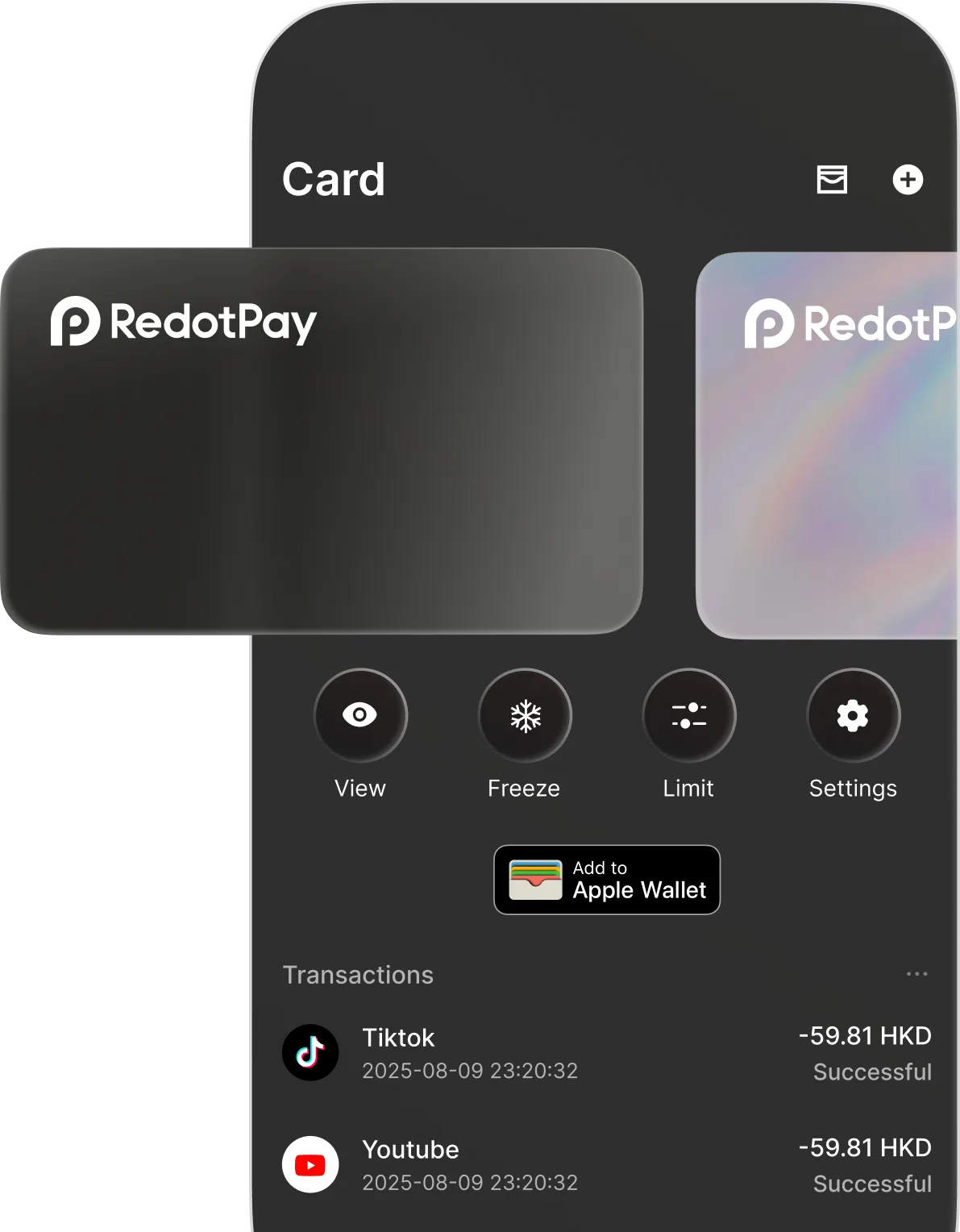
Use BitBoni partner codes on RedotPay: promo code getquids takes 20% off a virtual card and getquidsp takes 20% off a physical card. Standard application fees are $10 for virtual and $100 for physical before the discount. Other card fees: 1.2% on non-USD transactions, 1% on crypto conversion, 2% on ATM withdrawals (3% above $10,000 a month) and $0.50 per declined payment after 3 free declines a month. Region support and crypto-card risks still apply.
Requirement: 20% off card application fee: use getquids for virtual or getquidsp for physical
KYC countries: Open everywhere except 49 countries
Easy5-10 minutesPayout Discount applied during card application checkout
Verified 24 October 2026

Provider
Solid
Join Solid with referral code 2SS2K. Within 30 days of signing up, verify, activate the card, and spend $150 on everyday purchases at 3+ different shops with $10+ at each; then make one more eligible purchase of $10+ before payout. The $25 is converted to FUSE (Solid's native token) at payout and paid to Savings 30 days after qualifying, after any review of up to 14 days, so its sterling value (about £19) moves with the token price. Transfers, top-ups, gift cards, cash, crypto, gambling, purchases under $2 and refunds don't count. Solid markets a stablecoin money app with a free virtual Visa issued by Rain or Wirex depending on country of residence, up to ~5% cashback (tiered), and yield on stables/SoUSD; treat cashback and APY as up-to figures. Crypto, stablecoin, DeFi yield, self-custody/platform, FX, card-issuer and regional-eligibility risks apply.
Requirement: Within 30 days of signing up: verify, activate the card and spend $150 at 3+ different shops with $10+ at each, then one more eligible $10+ purchase before payout
KYC countries: Open in 104 countries
Medium15-30 minutes to open and verify; qualifying spend takes longerPayout $25, converted to FUSE at payout, paid to Savings 30 days after qualifying, after any review of up to 14 days
Verified 24 October 2026

Provider
Jupiter Global

Join Jupiter Global with referral code SNKPSZRM. A referred friend gets $20 after $1,000 of qualifying purchases that settle within 30 days of card activation. Card cashback is 2% base, capped at $100 a month; 4% capped at $200 only for the month after 2 qualifying referrals.
Requirement: $1,000 of qualifying Jupiter Card purchases that settle within 30 days of card activation
KYC countries: Open in 53 countries
Medium10-15 minutesPayout After qualifying Jupiter Card spend
Verified 24 October 2026
Added 15 September 2026 · Last updated 14 October 2026. Offers and terms change frequently - always confirm on the provider's site before applying.