


Bancus referral: check V3ETE3R6 before registering
Start through our Bancus invite and check V3ETE3R6 in the registration form's “Have a referral code?” field. No fixed invitee reward is publicly verified; obtain current card prices, full fees, residence eligibility and refund terms before buying a card or funding.
Read our full assessment →Quick answer
Start through our Bancus invite and check V3ETE3R6 in the registration form's “Have a referral code?” field. No fixed invitee reward is publicly verified; obtain current card prices, full fees, residence eligibility and refund terms before buying a card or funding.
- Reward
- Varies
- Referral code
V3ETE3R6- Last verified
- 2026-10-14
- Difficulty
- Medium
- Time to claim
- Minutes to check attribution and register; verification, issuance and delivery times unverified
- Time to payout
- No fixed invitee reward, payment timetable or guaranteed card delivery verified
Where you can sign up
Bancus does not publish a country list we could verify. Check its terms before signing up.
V3ETE3R6Referral links: BitBoni may earn a commission when you sign up.
How to claim
- Open our Bancus invitation with ref=V3ETE3R6 first, allow the referral cookies and keep the same browser.
- Follow the official web-app flow. The iPhone/iPad installation page instructs you to add it to the home screen from Safari's Share menu; other devices depend on the browser's available install prompt.
- On the app's login page choose “Open Bancus account”, then check that “Have a referral code?” contains V3ETE3R6. If absent, enter it before registering and confirm it.
- Read the available terms before submitting personal details, and confirm your residence and selected card are eligible. Request readable current terms from official support if the link does not open.
- Before buying or funding, separately confirm any invitee reward, tasks, deadlines and payout, and obtain the card issuer, complete fees, delivery and refund conditions. Keep attribution and price records.
- Only pay if the product itself suits you and its costs and terms are clear. Establish an exit route first; the code does not guarantee a reward or immediate card availability.
Eligibility & requirements
- Check V3ETE3R6 before registration; retroactive attribution or changing referrers is not verified.
- Bancus describes simplified KYC, not no identity checks. A complete current residence and card-program eligibility list is not established by the inspected pages.
- The public invitation does not specify a fixed new-user reward, qualifying task, hold period, deadline or payment timing. Do not pay solely for an assumed bonus.
- Go, One and One Elite are the advertised card forms, not proof that every account can order them or that stock is ready. Confirm prices, limits, delivery and payment network separately.
- Obtain the current contract and all purchase, reload, FX, withdrawal and refund conditions. Old document prices do not establish your current costs or joining offer.
- Bancus says it is not a traditional bank or exchange. The inspected pages do not verify the card issuer, fund protection or deposit insurance; do not treat digital-asset funding as a protected bank deposit.
Verification notes
- Minimum spend/deposit
- No referral spend or funding threshold verified; confirm card price, reload costs and minimums before paying
- Last verified
- 14 October 2026
Provider terms can change without warning. Treat this as a verification snapshot and confirm the live terms before applying.
Pros
- The actual registration form exposes the referral field so V3ETE3R6 can be checked before submission.
- The verified web-app entry does not depend on an unverified app-store listing.
- The website describes digital, physical and metal card forms, which can be compared against your intended use before ordering.
Watch out for
- No fixed invitee reward is verified, so registration is not promised a bonus.
- Current full fees, residence rules and issuing entities are not established on the inspected public pages.
- Published user reports include card delivery, activation and support problems; this intake has not tested a transaction.
- The registration terms link opened no readable content during the check; obtain the actual contract before paying.
FAQ
- Where do I check V3ETE3R6?
- Open our invite first, then select “Open Bancus account” on the official app login page. Check V3ETE3R6 in “Have a referral code?” before submitting.
- How much do I get for using it?
- No fixed invitee reward appears in the supplied URL or inspected registration page. Read the current campaign's own new-customer reward and conditions before relying on a benefit.
- Which app should I install?
- The verified route is Bancus's web app and home-screen installation flow; no native store listing was established. iPhone/iPad users are instructed to use Safari's Share menu and add to the home screen.
- Is Bancus no-KYC?
- Its official site describes simplified KYC, not an exemption from identity checks. Confirm residence and card-specific requirements before paying.
- What if the code is missing or terms fail to open?
- Check V3ETE3R6 before submission and request readable terms and attribution confirmation from official support. Do not rely on adding the referral later.
- Can I get a refund or withdraw the balance?
- A universal refund right and exit fee were not verified. Obtain delivery/refund conditions before buying and the withdrawal, verification and account-closure rules before funding.
Related offers

Provider
RedotPay
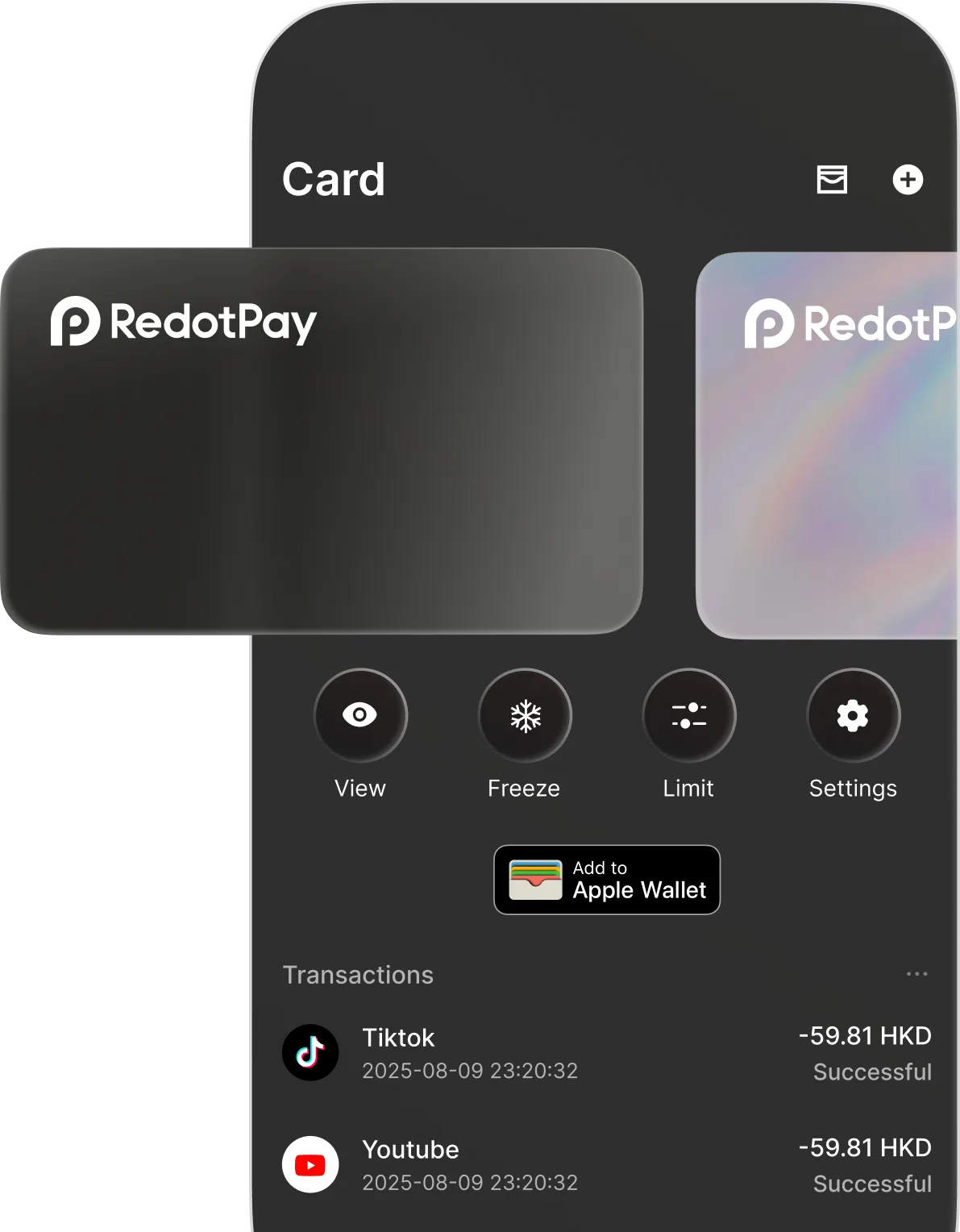
Use BitBoni partner codes on RedotPay: promo code getquids takes 20% off a virtual card and getquidsp takes 20% off a physical card. Standard application fees are $10 for virtual and $100 for physical before the discount. Other card fees: 1.2% on non-USD transactions, 1% on crypto conversion, 2% on ATM withdrawals (3% above $10,000 a month) and $0.50 per declined payment after 3 free declines a month. Region support and crypto-card risks still apply.
Requirement: 20% off card application fee: use getquids for virtual or getquidsp for physical
KYC countries: Open everywhere except 49 countries
Easy5-10 minutesPayout Discount applied during card application checkout
Verified 24 October 2026

Provider
Solid
Join Solid with referral code 2SS2K. Within 30 days of signing up, verify, activate the card, and spend $150 on everyday purchases at 3+ different shops with $10+ at each; then make one more eligible purchase of $10+ before payout. The $25 is converted to FUSE (Solid's native token) at payout and paid to Savings 30 days after qualifying, after any review of up to 14 days, so its sterling value (about £19) moves with the token price. Transfers, top-ups, gift cards, cash, crypto, gambling, purchases under $2 and refunds don't count. Solid markets a stablecoin money app with a free virtual Visa issued by Rain or Wirex depending on country of residence, up to ~5% cashback (tiered), and yield on stables/SoUSD; treat cashback and APY as up-to figures. Crypto, stablecoin, DeFi yield, self-custody/platform, FX, card-issuer and regional-eligibility risks apply.
Requirement: Within 30 days of signing up: verify, activate the card and spend $150 at 3+ different shops with $10+ at each, then one more eligible $10+ purchase before payout
KYC countries: Open in 104 countries
Medium15-30 minutes to open and verify; qualifying spend takes longerPayout $25, converted to FUSE at payout, paid to Savings 30 days after qualifying, after any review of up to 14 days
Verified 24 October 2026

Provider
Jupiter Global

Join Jupiter Global with referral code SNKPSZRM. A referred friend gets $20 after $1,000 of qualifying purchases that settle within 30 days of card activation. Card cashback is 2% base, capped at $100 a month; 4% capped at $200 only for the month after 2 qualifying referrals.
Requirement: $1,000 of qualifying Jupiter Card purchases that settle within 30 days of card activation
KYC countries: Open in 53 countries
Medium10-15 minutesPayout After qualifying Jupiter Card spend
Verified 24 October 2026
Added 14 October 2026 · Last updated 14 October 2026. Offers and terms change frequently - always confirm on the provider's site before applying.